Skip to content

RegumWeb Software

Useful desktop tools for everyday work.

Explore our desktop tools for music, server management, website diagnostics and video editing. Product descriptions explain their workflows and agent connections; public downloads appear with verified release metadata.

Products: 5

// Software library

Regum Music
Released

Regum Music

Your music. No subscription. Your control.

Regum Music is a free local music player for Windows 10 and 11 x64. Bring together the songs already on your computer, find the next track quickly, and listen offline without an account or subscription. Your audio stays in its own folders.

  • Play MP3, FLAC, WAV, Ogg Vorbis, AAC/M4A and AIFF files from your own library.
  • Browse songs, albums, artists, genres and folders; search, rate tracks and save favourites.
  • Edit song, album and artist details inside the library, with corrections preserved through rescans.
Platforms
Windows 10 / 11 · x64
Release date
22.10.2026
Download for Windows — free

Version 1.0.0 10.36 MiB

Installer checksum

Verify published checksums before installing.

SHA-256: 7d1c8f091298c615107205454f3571d51a393c6b8f5e9adbebdeb5c9bb6542dc

Release notes
Regum Music 1.0.0 is now publicly available as a Windows x64 installer signed by RegumWeb OÜ. Freeware for personal and business use. This release includes automatic missing-file cleanup, song/album/artist metadata editing, playlist and queue improvements, and playback fixes. Close Regum Music and connected AI clients before upgrading, and back up your existing profile. The installer preserves your library, playlists and settings; uninstalling preserves the profile too. Supported audio formats are MP3, FLAC, PCM WAV, Ogg Vorbis, AAC/M4A and AIFF. DRM-protected audio is not supported. Online downloads and optional third-party AI connections require their own setup and network access.
RegumVPS
Upcoming

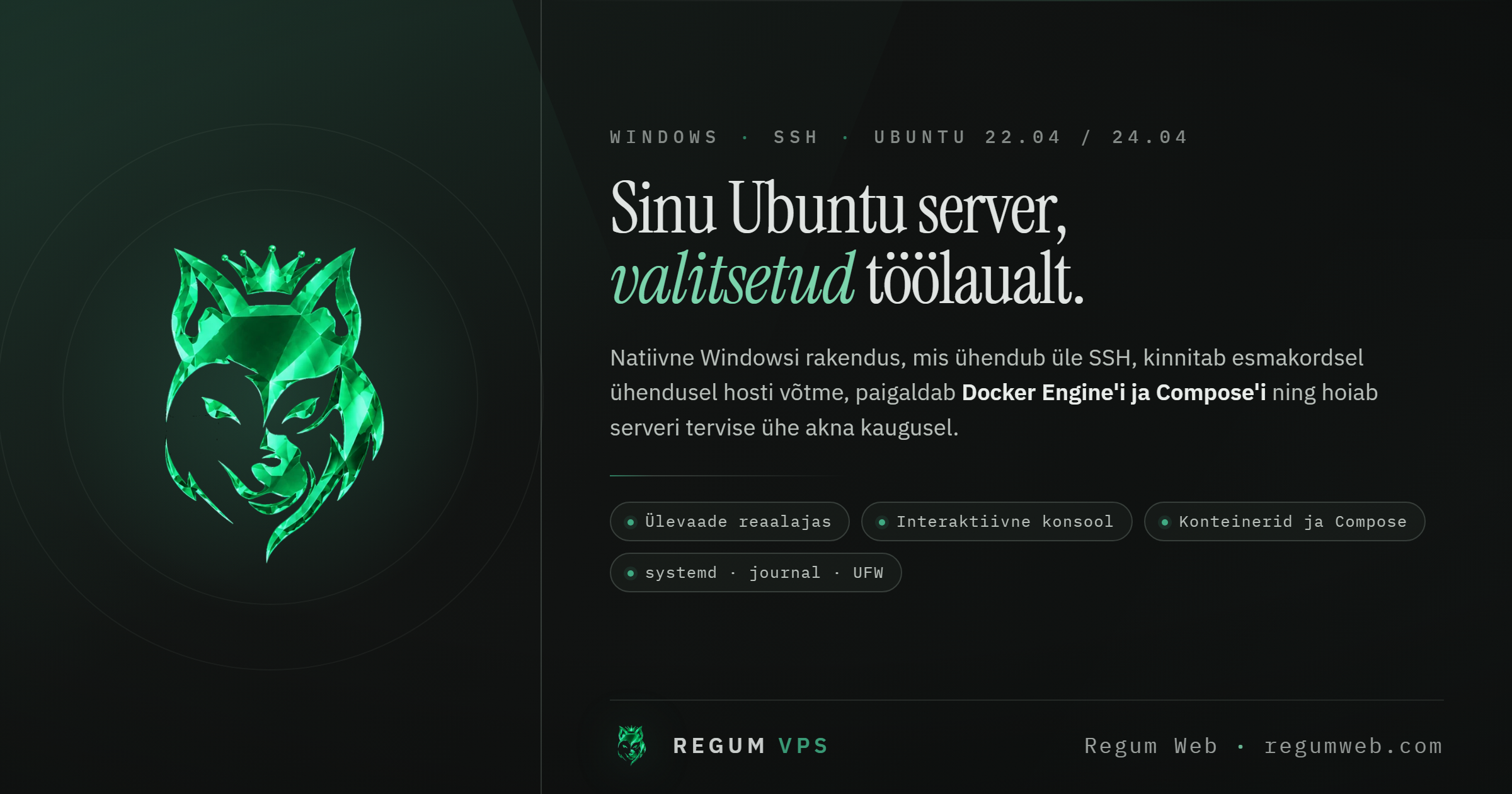
RegumVPS

Your servers, clearly connected.

Bring server health, SSH, Docker and Compose into one clear workspace. Connect an AI assistant through MCP to use the same server-management tools with explicit access controls.

  • MCP connectivity for AI-assisted server workflows
  • Server health, SSH and Docker/Compose in one place
  • Connection profiles, host-key verification and operating-system credential storage
Platforms
Windows
Release date
TBA

Installer downloads will appear here when this product is released.

Regum Web Doctor
Upcoming

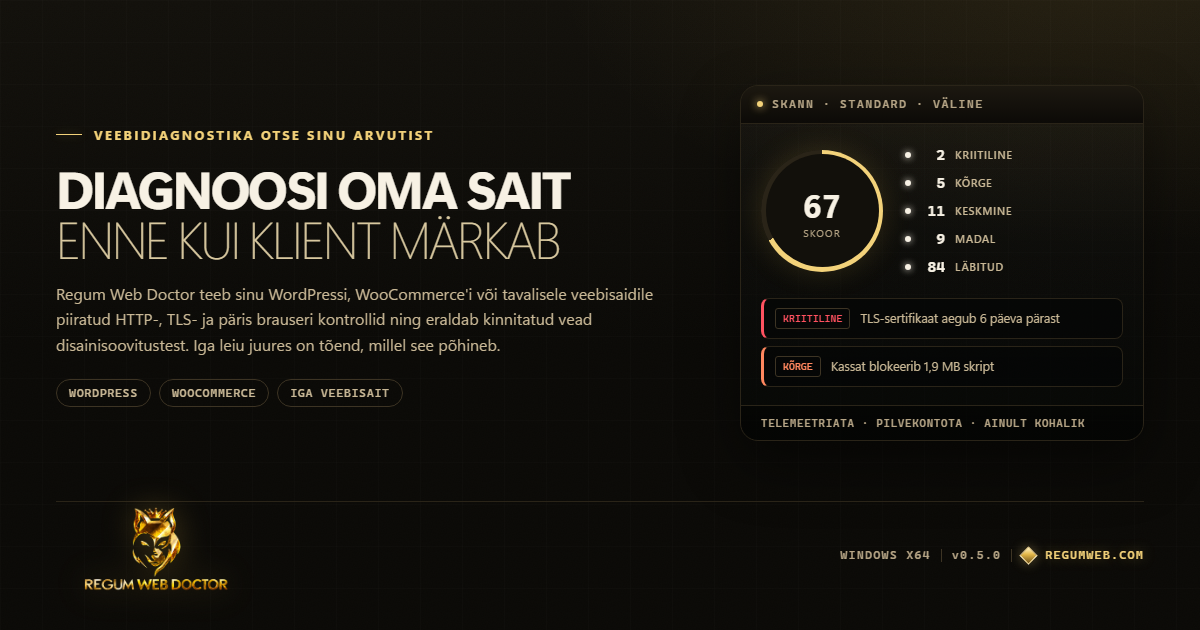
Regum Web Doctor

Understand your website. Know the next step.

A local-first Windows workstation for WordPress, WooCommerce and website diagnostics. Collect bounded observations, compare scan history and export structured reports. Optional RegumAI employee integration can request scans and read selected findings.

  • Website, WordPress and WooCommerce diagnostics with supporting observations
  • Optional authenticated WordPress REST and companion-plugin checks
  • Scan history, comparisons and JSON, HTML, PDF, CSV or Markdown reports
Platforms
Windows
Release date
TBA

Installer downloads will appear here when this product is released.

Regum Video
Released

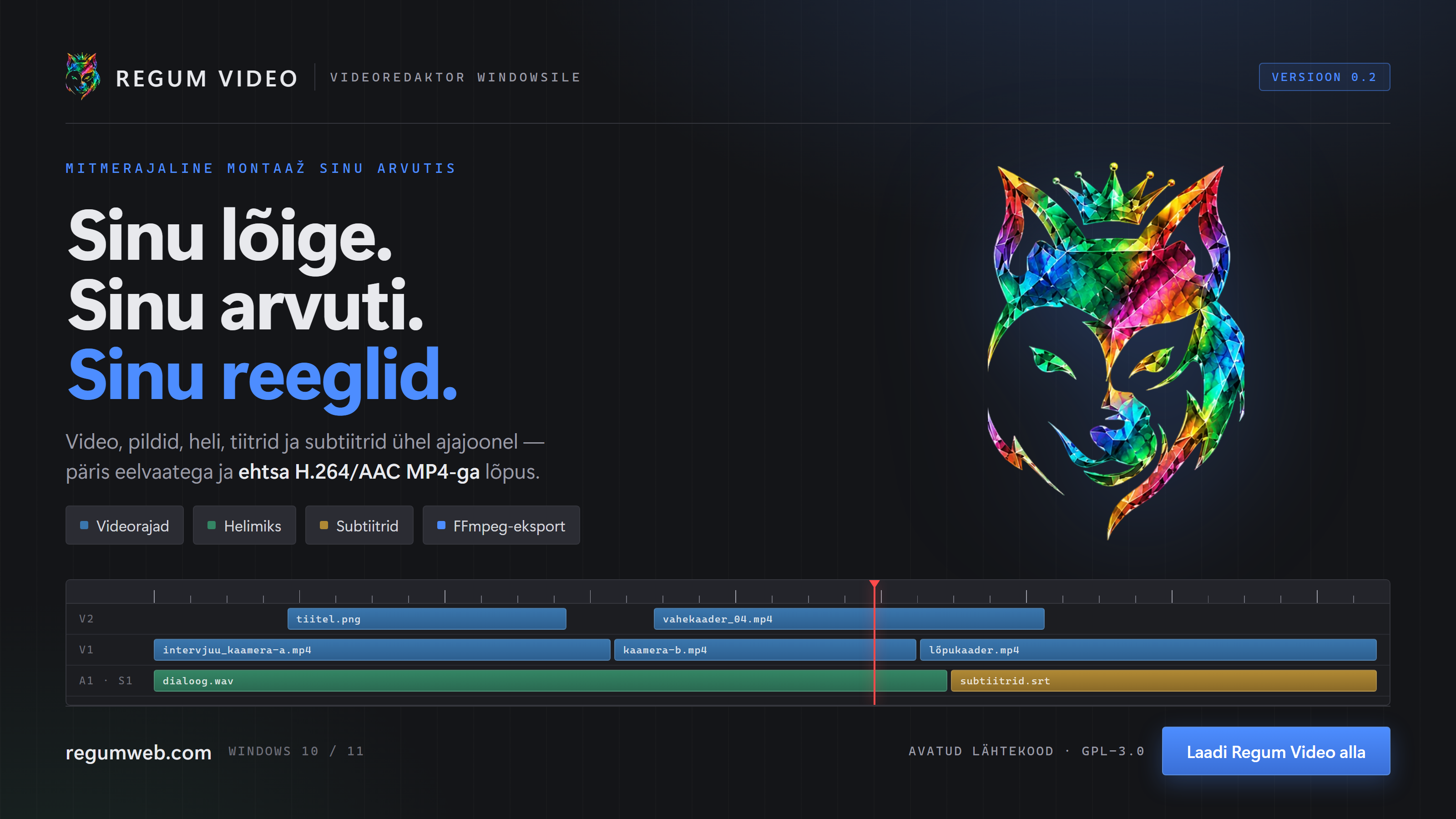
Regum Video

Edit video, audio and subtitles on Windows.

Build your video on a multitrack timeline: arrange footage and images, trim clips, mix audio, add titles and style subtitles. Save an editable project or export an H.264/AAC MP4 in landscape, vertical or square format.

  • Arrange video, images and audio across multiple tracks. Trim, split, duplicate and move clips with linked picture and sound.
  • Add titles, import and export SRT subtitles, and adjust fonts, placement, colors, outlines and backgrounds.
  • Apply crop, position, scale, rotation, opacity, color adjustments and transitions without changing the source files.
Platforms
Windows 10 / 11 · x64
Release date
26.10.2026
Download for Windows (x64)

Version 1.0.2 3.96 MiB

Installer checksum

Verify published checksums before installing.

SHA-256: e28bbea88a6001fdf4a3729994eb2446936d8f30c99312ae3bba4dbcc16aefca

Release notes
Regum Video 1.0.2 improves editing, preview, export and local automation following a codebase audit. Project switching and rapid Inspector edits retain the latest state. Alt-drag duplicates the full selection and linked audio, and still-image clips can be extended from their edges. Slow-motion splits retain their source boundaries, short imported subtitle cues keep their timing, and default insertion uses unlocked compatible tracks. Preview mixing includes independently audible sources, supports clip gain above 100%, and loads extra sources independently so one slow source cannot delay the rest of the mix. Exports preserve anamorphic display geometry, delayed source-audio starts and shorter audio/video tails during reverse playback. Reverse preview preparation preserves those tails too. Project path handling and media collection have been corrected. Unavailable sources no longer stop collection of the available media. CLI export now exposes quality, frame-rate and work-area controls. Invalid export settings and misspelled or duplicate export flags return explicit errors. Concurrent preview jobs use separate staging files. Cancellation and FFmpeg diagnostic handling have been improved, and unreadable automation receipt history is reported explicitly. Documentation now separates current capabilities and validation from historical plans and release records. Corresponding source and build instructions: https://regumweb.com/storage/software/sources/regum-video/1.0.2/RegumVideo-1.0.2-corresponding-source.zip
Regum FS25 Log Doctor
Released

Regum FS25 Log Doctor

Understand your Farming Simulator 25 log. Find the next step.

Regum FS25 Log Doctor is a free Windows utility for understanding Farming Simulator 25 logs. Open your log, see repeated messages grouped into findings, and inspect the original evidence behind each explanation and suggested next step. It can identify implicated mods when the log supports that connection.

  • Find the log in Windows Documents or OneDrive, choose a local .txt/.log file, or drop one into the window.
  • Group repeated messages and inspect known problems with severity, confidence, occurrence counts and practical recommendations.
  • See implicated mods and the environment reported by the log without treating incomplete evidence as a definitive diagnosis.
Platforms
Windows 10 / 11 · x64
Release date
26.10.2026
Download for Windows — free

Version 1.0.0 5.92 MiB

Installer checksum

Verify published checksums before installing.

SHA-256: 3047a69d6e69cd6a7df293f34be4d6307fe115cf9087ce57985d51ef47f1eb5d

Release notes
Regum FS25 Log Doctor 1.0.0 is a free Windows x64 utility for personal and commercial diagnostic use. This rebuilt release includes log parsing, finding attribution, report sanitization, export and interface reliability fixes. The installer is signed by RegumWeb OÜ and installs for the current Windows user. Microsoft Edge WebView2 is required and may be downloaded during setup. Analysis works offline. The app does not repair game files, manage mods or edit saves. Diagnostic findings describe available evidence, not a guaranteed root cause. The interface is in English. Gallery screenshots use synthetic diagnostic examples, not a player's private log. Independent software; not affiliated with GIANTS Software.

Built around your workflow

Practical tools. Clear possibilities.

Explore the products above for capabilities, release details and available installers.