Skip to content

RegumWeb Software

Released

Regum Video

Edit video, audio and subtitles on Windows.

Build your video on a multitrack timeline: arrange footage and images, trim clips, mix audio, add titles and style subtitles. Save an editable project or export an H.264/AAC MP4 in landscape, vertical or square format.

Download installer

Windows 10 / 11 · x64 Version 1.0.2 3.96 MiB

Regum Video — Edit video, audio and subtitles on Windows.

About the application

Edit video, audio and subtitles on Windows.

Regum Video 1.0.2 is for Windows 10/11 x64. Microsoft Edge WebView2 is required. Install FFmpeg and ffprobe separately; they are not included in the standard installer. The app interface is in English.

Regum Video is free software licensed under GPL-3.0-or-later. The release downloads include the corresponding source code and build instructions.

Made for your workflow

What you can do.

  • Arrange video, images and audio across multiple tracks. Trim, split, duplicate and move clips with linked picture and sound.
  • Add titles, import and export SRT subtitles, and adjust fonts, placement, colors, outlines and backgrounds.
  • Apply crop, position, scale, rotation, opacity, color adjustments and transitions without changing the source files.
  • Mix clip audio with gain, pan and fades. Adjust playback speed or prepare clips for reverse playback.
  • Export H.264/AAC MP4 with resolution presets up to 4K, vertical and square layouts, quality controls and frame-rate options. Use hardware encoding when a supported encoder can initialize.
  • Save editable projects with autosave and recovery support. Relink missing media or collect available source files into the project folder.
  • Automate the open editor through the included local CLI and MCP adapter, with revision-checked batches, undo/redo and export jobs.

Release notes

Version 1.0.2

Regum Video 1.0.2 improves editing, preview, export and local automation following a codebase audit. Project switching and rapid Inspector edits retain the latest state. Alt-drag duplicates the full selection and linked audio, and still-image clips can be extended from their edges. Slow-motion splits retain their source boundaries, short imported subtitle cues keep their timing, and default insertion uses unlocked compatible tracks. Preview mixing includes independently audible sources, supports clip gain above 100%, and loads extra sources independently so one slow source cannot delay the rest of the mix. Exports preserve anamorphic display geometry, delayed source-audio starts and shorter audio/video tails during reverse playback. Reverse preview preparation preserves those tails too. Project path handling and media collection have been corrected. Unavailable sources no longer stop collection of the available media. CLI export now exposes quality, frame-rate and work-area controls. Invalid export settings and misspelled or duplicate export flags return explicit errors. Concurrent preview jobs use separate staging files. Cancellation and FFmpeg diagnostic handling have been improved, and unreadable automation receipt history is reported explicitly. Documentation now separates current capabilities and validation from historical plans and release records. Corresponding source and build instructions: https://regumweb.com/storage/software/sources/regum-video/1.0.2/RegumVideo-1.0.2-corresponding-source.zip

Keep exploring

More from RegumWeb.

All software
Regum Music
Released

Regum Music

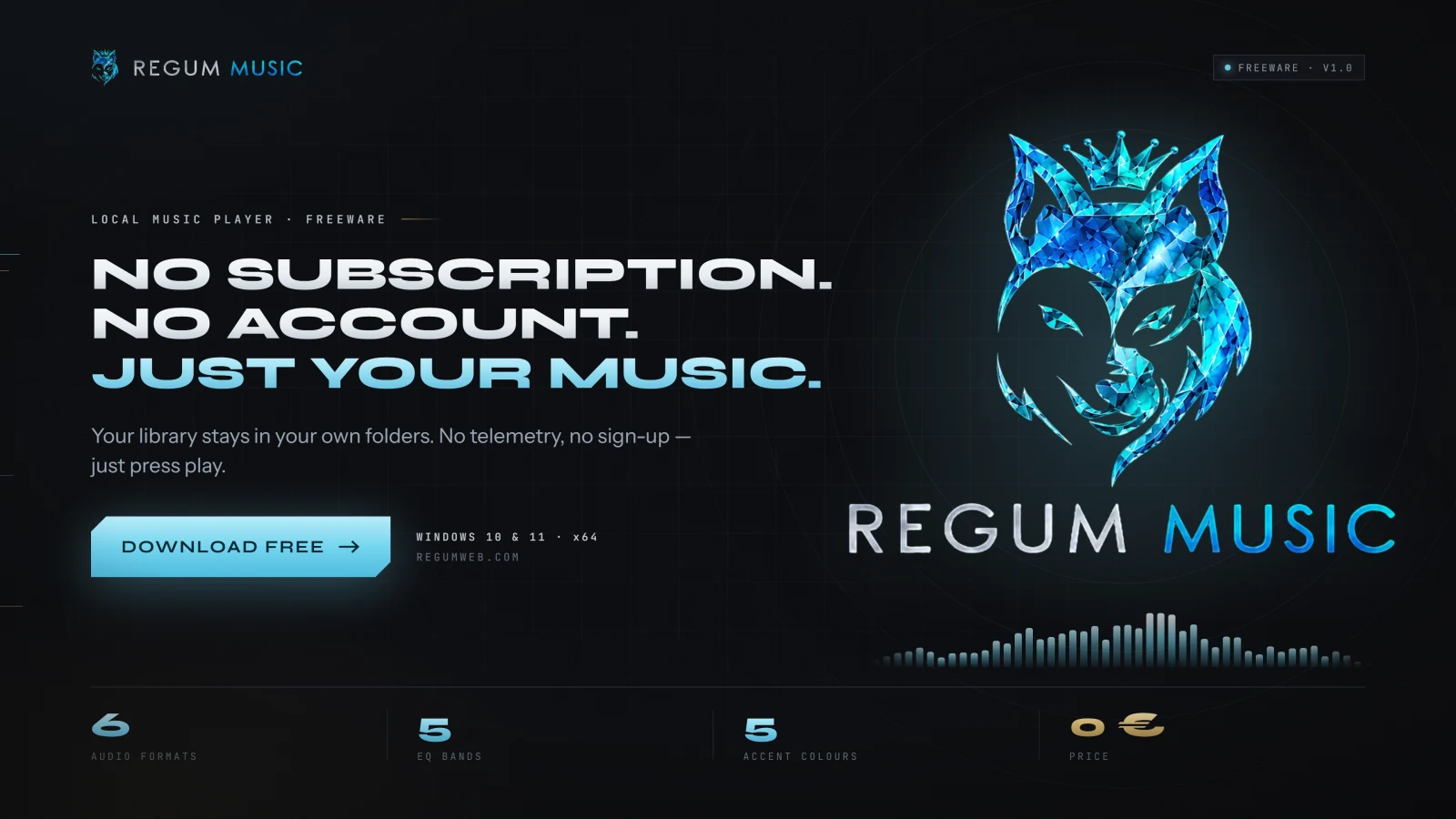
Your music. No subscription. Your control.

Regum Music is a free local music player for Windows 10 and 11 x64. Bring together the songs already on your computer, find the next track quickly, and listen offline without an account or subscription. Your audio stays in its own folders.

  • Play MP3, FLAC, WAV, Ogg Vorbis, AAC/M4A and AIFF files from your own library.
  • Browse songs, albums, artists, genres and folders; search, rate tracks and save favourites.
  • Edit song, album and artist details inside the library, with corrections preserved through rescans.
Platforms
Windows 10 / 11 · x64
Release date
22.10.2026
Download installer

Version 1.0.0 10.36 MiB

Installer checksum

Verify published checksums before installing.

SHA-256: 7d1c8f091298c615107205454f3571d51a393c6b8f5e9adbebdeb5c9bb6542dc

Release notes
Regum Music 1.0.0 is now publicly available as a Windows x64 installer signed by RegumWeb OÜ. Freeware for personal and business use. This release includes automatic missing-file cleanup, song/album/artist metadata editing, playlist and queue improvements, and playback fixes. Close Regum Music and connected AI clients before upgrading, and back up your existing profile. The installer preserves your library, playlists and settings; uninstalling preserves the profile too. Supported audio formats are MP3, FLAC, PCM WAV, Ogg Vorbis, AAC/M4A and AIFF. DRM-protected audio is not supported. Online downloads and optional third-party AI connections require their own setup and network access.

Regum 3D
Released

Regum 3D

Polygon modeling for print parts, game props and product mock-ups.

Regum 3D is a Windows polygon modeler for creating, editing and inspecting static 3D models. Start with adjustable shapes, work with objects, vertices, edges and faces, and preview modeling operations before applying them. Projects are stored on your computer.

  • Start from boxes, spheres, cylinders, cones, toruses, planes and lathe shapes with an editable profile.
  • Select objects, vertices, edges or faces using click, box, lasso or brush selection, with X-ray selection through the model.
  • Preview extrude, inset, bevel and sliding loop cuts; draw knife cuts and enter exact lengths for extrude, inset and bevel.
Platforms
Windows · x64
Release date
27.10.2026
Download installer

Version 1.0.0 5.75 MiB

Installer checksum

Verify published checksums before installing.

SHA-256: 56e5c1fe3ada019f52a77f53b560e5ef85d235595786746bce4c9c9c21a96411

Release notes
Regum 3D 1.0.0 provides polygon modeling, material editing, measurement, topology checks, local project storage, recovery and geometry import/export. This rebuilt version includes fixes to modeling previews, selection and field editing, geometry operations, project and asset validation, and the reviewed RegumAI workflow. The installer is signed by RegumWeb OÜ with a timestamped Authenticode signature. It is for Windows x64 and installs for the current user. Microsoft Edge WebView2 is required and may be downloaded during setup. The application interface is in English. Optional RegumAI writes require an explicit grant and approval in Regum 3D.
Regum FS25 Log Doctor
Released

Regum FS25 Log Doctor

Understand your Farming Simulator 25 log. Find the next step.

Regum FS25 Log Doctor is a free Windows utility for understanding Farming Simulator 25 logs. Open your log, see repeated messages grouped into findings, and inspect the original evidence behind each explanation and suggested next step. It can identify implicated mods when the log supports that connection.

  • Find the log in Windows Documents or OneDrive, choose a local .txt/.log file, or drop one into the window.
  • Group repeated messages and inspect known problems with severity, confidence, occurrence counts and practical recommendations.
  • See implicated mods and the environment reported by the log without treating incomplete evidence as a definitive diagnosis.
Platforms
Windows 10 / 11 · x64
Release date
26.10.2026
Download installer

Version 1.0.0 5.92 MiB

Installer checksum

Verify published checksums before installing.

SHA-256: 3047a69d6e69cd6a7df293f34be4d6307fe115cf9087ce57985d51ef47f1eb5d

Release notes
Regum FS25 Log Doctor 1.0.0 is a free Windows x64 utility for personal and commercial diagnostic use. This rebuilt release includes log parsing, finding attribution, report sanitization, export and interface reliability fixes. The installer is signed by RegumWeb OÜ and installs for the current Windows user. Microsoft Edge WebView2 is required and may be downloaded during setup. Analysis works offline. The app does not repair game files, manage mods or edit saves. Diagnostic findings describe available evidence, not a guaranteed root cause. The interface is in English. Gallery screenshots use synthetic diagnostic examples, not a player's private log. Independent software; not affiliated with GIANTS Software.