
Skip to content

RegumWeb Software

Released

Regum Media Player

Local media playback. Preview build; playback decoder required.

Regum Media Player is a Windows x64 preview for playing local video and audio. A compatible libmpv playback DLL must be supplied separately: this installer contains no decoder and does not download one. Review the playback-engine requirements below before installing.

Download installer

Windows · x64 Version 1.0.0 5.27 MiB

Regum Media Player — Local media playback. Preview build; playback decoder required.

About the application

Local media playback. Preview build; playback decoder required.

Open individual files, a selection of files or the media directly inside a folder. Manage the queue, choose the audio and subtitle tracks reported by your decoder, change playback speed and volume, and use keyboard shortcuts. Optional local library, playlists and bookmarks keep organisation on your computer. Format compatibility depends on the decoder you supply; a broad supported-format matrix is not claimed.

Saved sessions reopen paused. Private session skips automatic history and session persistence. An explicitly requested bookmark can still store its label, time and media path, including in private session. Closing the window stops playback and exits the application.

The optional RegumAI connection is off by default. Enable it in Preferences, choose separate read, queue, playback, seek and bookmark permissions, and approve each proposed playback or bookmark change in the player. The initial tools read current playback, queue and track metadata, request pause or seek changes, create an approved bookmark, and look up a previous operation's receipt. The player works on its own without RegumAI, an account or a cloud library.

Requires Windows x64 and a trusted compatible 64-bit libmpv-2.dll using libmpv client API 2.x. Choose the DLL in Preferences or place it beside the executable, as explained in ENGINE.txt. The application interface is English. This preview has not completed a full format, hardware, Narrator or clean-machine qualification. It includes no decoder redistribution, AI model, transcription or online subtitle service.

Made for your workflow

What you can do.

  • Open local video and audio files, use drag and drop, or play the media directly inside a selected folder.
  • Manage queue order and selection, with search, bulk actions, undo and redo.
  • Use playback controls, seek, speed and volume settings, and the audio/subtitle tracks reported by your supplied decoder.
  • Keep optional local playlists, a library and bookmarks; saved sessions reopen paused.
  • Choose dark, light or high-contrast appearance, interface scale and keyboard shortcuts.
  • Optionally connect RegumAI with explicit permissions and approval of each pause, seek or bookmark change.

Release notes

Version 1.0.0

Regum Media Player 1.0.0 is offered as a decoder-free Windows x64 preview. Supply a trusted compatible libmpv client API 2.x DLL separately; ENGINE.txt explains setup. No decoder is bundled or downloaded automatically. This build adds the optional RegumAI connection, with separate permissions, exact change review in the player, and persistent operation receipts. The connection is off by default. Improvements include pause/seek confirmation, stale-request rejection, interrupted-command recovery, Unicode labels and small-window review layout. Save your work and close the player before installing an update. The application profile and source media remain separate from the installed program. Private session skips automatic playback history; an explicitly approved bookmark still stores the reviewed media path. A broad format matrix and full hardware, audio-device, Narrator and clean-machine qualification remain open. Signing verifies the publisher and file integrity; it does not establish those acceptance results.

Keep exploring

More from RegumWeb.

All software
Regum Music
Released

Regum Music

Your music. No subscription. Your control.

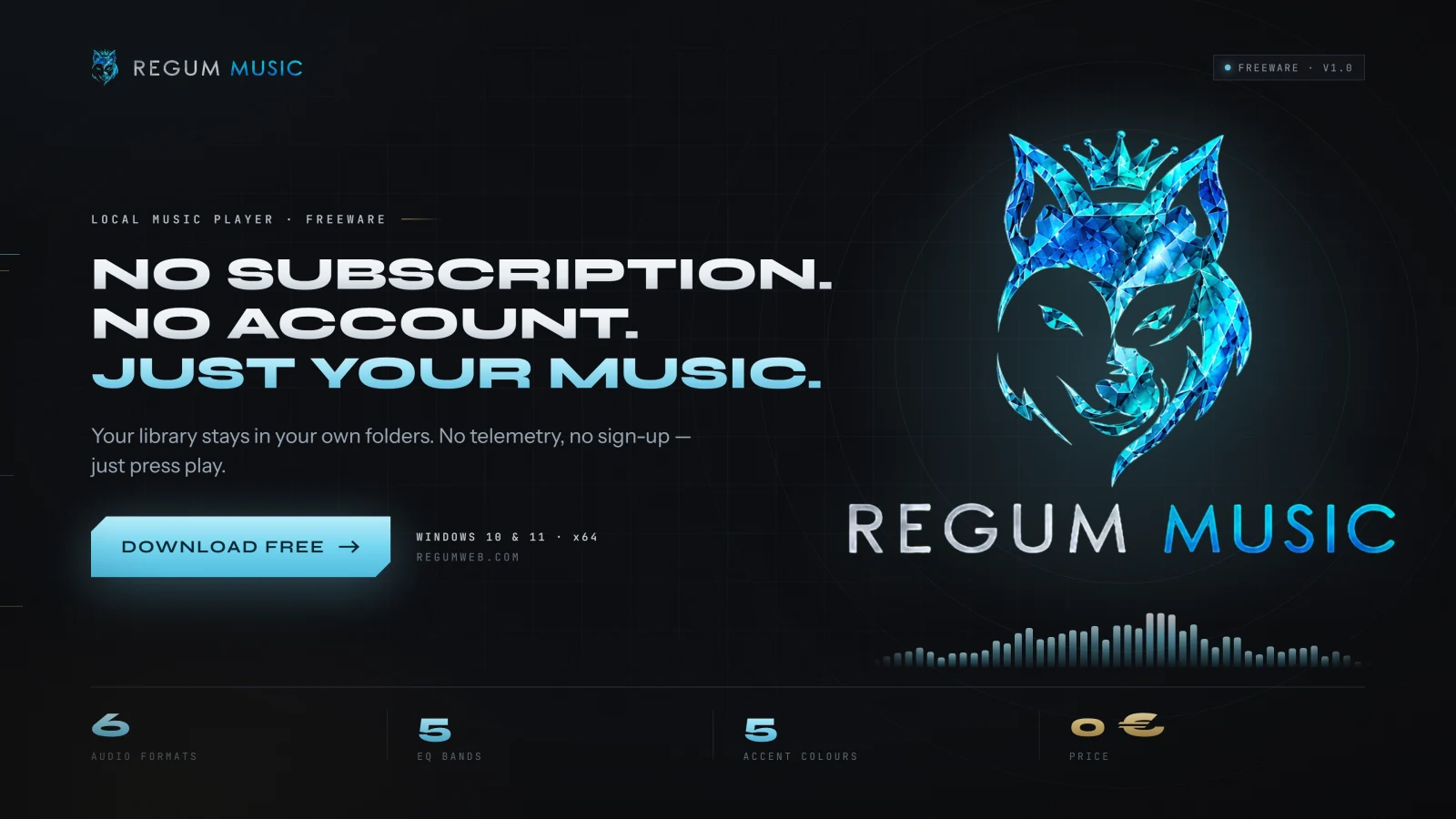
Regum Music is a free local music player for Windows 10 and 11 x64. Bring together the songs already on your computer, find the next track quickly, and listen offline without an account or subscription. Your audio stays in its own folders.

  • Play MP3, FLAC, WAV, Ogg Vorbis, AAC/M4A and AIFF files from your own library.
  • Browse songs, albums, artists, genres and folders; search, rate tracks and save favourites.
  • Edit song, album and artist details inside the library, with corrections preserved through rescans.
Platforms
Windows 10 / 11 · x64
Release date
22.10.2026
Download installer

Version 1.0.0 10.36 MiB

Installer checksum

Verify published checksums before installing.

SHA-256: 7d1c8f091298c615107205454f3571d51a393c6b8f5e9adbebdeb5c9bb6542dc

Release notes
Regum Music 1.0.0 is now publicly available as a Windows x64 installer signed by RegumWeb OÜ. Freeware for personal and business use. This release includes automatic missing-file cleanup, song/album/artist metadata editing, playlist and queue improvements, and playback fixes. Close Regum Music and connected AI clients before upgrading, and back up your existing profile. The installer preserves your library, playlists and settings; uninstalling preserves the profile too. Supported audio formats are MP3, FLAC, PCM WAV, Ogg Vorbis, AAC/M4A and AIFF. DRM-protected audio is not supported. Online downloads and optional third-party AI connections require their own setup and network access.
Regum 3D
Released

Regum 3D

Polygon modeling for print parts, game props and product mock-ups.

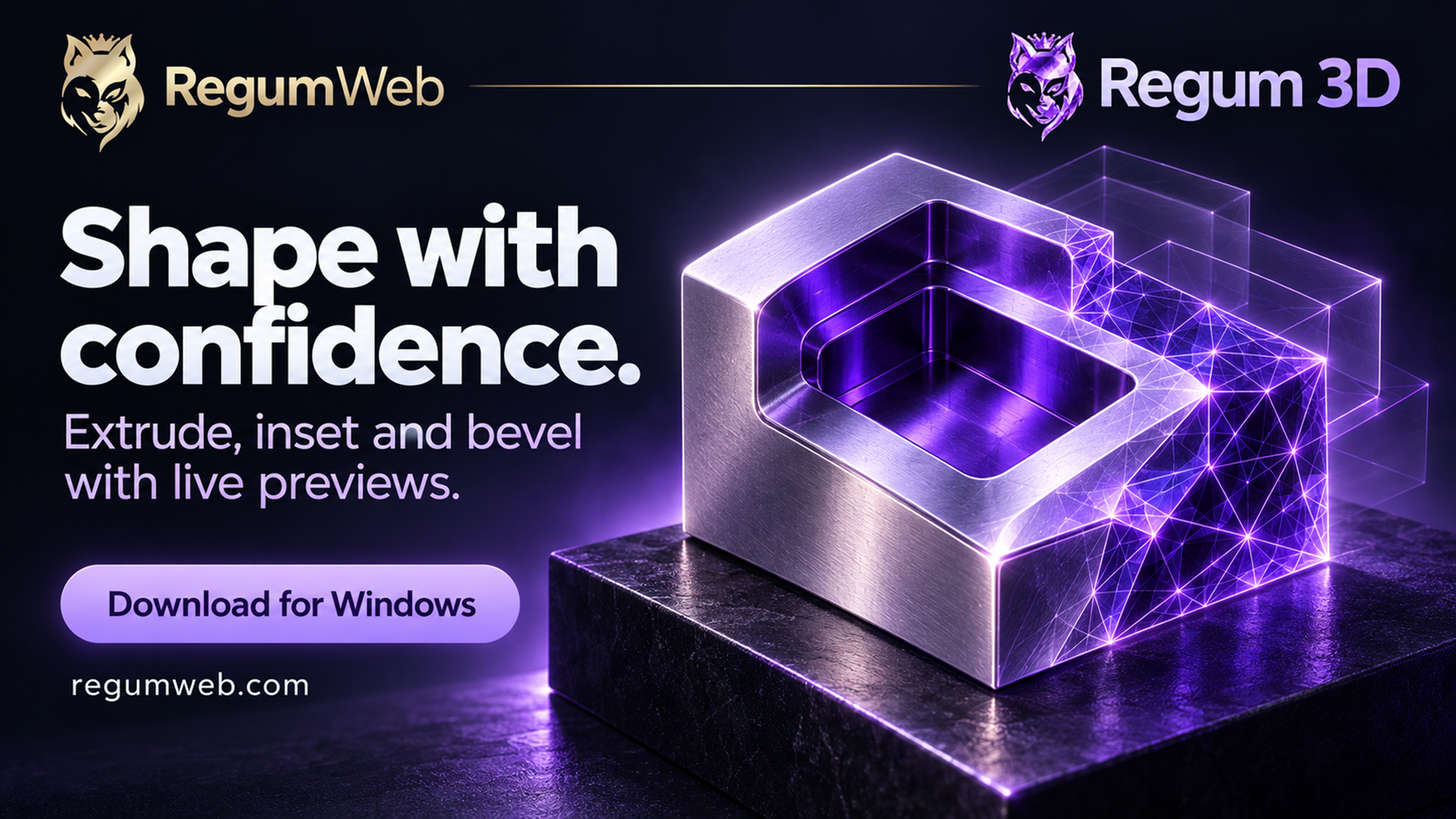
Regum 3D is a Windows polygon modeler for creating, editing and inspecting static 3D models. Start with adjustable shapes, work with objects, vertices, edges and faces, and preview modeling operations before applying them. Projects are stored on your computer.

  • Start from boxes, spheres, cylinders, cones, toruses, planes and lathe shapes with an editable profile.
  • Select objects, vertices, edges or faces using click, box, lasso or brush selection, with X-ray selection through the model.
  • Preview extrude, inset, bevel and sliding loop cuts; draw knife cuts and enter exact lengths for extrude, inset and bevel.
Platforms
Windows · x64
Release date
27.10.2026
Download installer

Version 1.0.0 5.75 MiB

Installer checksum

Verify published checksums before installing.

SHA-256: 56e5c1fe3ada019f52a77f53b560e5ef85d235595786746bce4c9c9c21a96411

Release notes
Regum 3D 1.0.0 provides polygon modeling, material editing, measurement, topology checks, local project storage, recovery and geometry import/export. This rebuilt version includes fixes to modeling previews, selection and field editing, geometry operations, project and asset validation, and the reviewed RegumAI workflow. The installer is signed by RegumWeb OÜ with a timestamped Authenticode signature. It is for Windows x64 and installs for the current user. Microsoft Edge WebView2 is required and may be downloaded during setup. The application interface is in English. Optional RegumAI writes require an explicit grant and approval in Regum 3D.
Regum FS25 Log Doctor
Released

Regum FS25 Log Doctor

Understand your Farming Simulator 25 log. Find the next step.

Regum FS25 Log Doctor is a free Windows utility for understanding Farming Simulator 25 logs. Open your log, see repeated messages grouped into findings, and inspect the original evidence behind each explanation and suggested next step. It can identify implicated mods when the log supports that connection.

  • Find the log in Windows Documents or OneDrive, choose a local .txt/.log file, or drop one into the window.
  • Group repeated messages and inspect known problems with severity, confidence, occurrence counts and practical recommendations.
  • See implicated mods and the environment reported by the log without treating incomplete evidence as a definitive diagnosis.
Platforms
Windows 10 / 11 · x64
Release date
26.10.2026
Download installer

Version 1.0.0 5.92 MiB

Installer checksum

Verify published checksums before installing.

SHA-256: 3047a69d6e69cd6a7df293f34be4d6307fe115cf9087ce57985d51ef47f1eb5d

Release notes
Regum FS25 Log Doctor 1.0.0 is a free Windows x64 utility for personal and commercial diagnostic use. This rebuilt release includes log parsing, finding attribution, report sanitization, export and interface reliability fixes. The installer is signed by RegumWeb OÜ and installs for the current Windows user. Microsoft Edge WebView2 is required and may be downloaded during setup. Analysis works offline. The app does not repair game files, manage mods or edit saves. Diagnostic findings describe available evidence, not a guaranteed root cause. The interface is in English. Gallery screenshots use synthetic diagnostic examples, not a player's private log. Independent software; not affiliated with GIANTS Software.