



Skip to content

RegumWeb Software

Released

RegumImage

A private image studio for Windows

View, edit, retouch and convert images on your own PC. RegumImage combines reversible crop and colour adjustments, practical retouching tools, six export formats and batch processing in one workspace. Export without overwriting your originals, with controls for quality, file size and metadata.

Download for Windows — free

Windows 10 / 11 · x64 Version 1.0.0 6.26 MiB

RegumImage — A private image studio for Windows

About the application

A private image studio for Windows

Free for personal and commercial use. Image processing happens locally, without an account or telemetry. The optional RegumAI connection is off by default and requires explicit permissions and approval for changes. If enabled, RegumAI may send granted text and metadata to its configured AI provider.

Requirements: Windows 10 or 11, 64-bit, and Microsoft WebView2. The signed installer installs for the current user. If WebView2 is missing, setup downloads it and needs an internet connection. The application interface is currently in English.

AVIF is an export format; AVIF and HEIC import are not supported. Animated images open as a still frame. Retouch uses an 8-bit working copy with a maximum 3,072-pixel long edge and exports without source EXIF/ICC metadata. Preview is not colour-managed.

The artwork below illustrates the application’s workflows; it is not an application screenshot.

Made for your workflow

What you can do.

  • Open JPEG, PNG, WebP, TIFF, BMP, GIF, ICO and TGA images.
  • Crop, resize, rotate, flip and adjust colour with undo, redo and original comparison.
  • Paint, repair, select, draw and add text with 42 Retouch tools.
  • Export JPEG, PNG, WebP, AVIF, TIFF and BMP with format-specific quality options.
  • Convert and resize images in batches, customize output filenames, and track progress or cancel processing.
  • Keep supported metadata, remove common private fields, or remove source metadata.
  • Browse folders, inspect pixels and histograms, and copy images through the clipboard.
  • Optionally connect RegumAI using explicit image and folder permissions and reviewed changes.

A closer look

Open any image to view it at full size.

Release notes

Version 1.0.0

RegumImage 1.0.0 is now publicly available as a RegumWeb OÜ-signed Windows x64 installer, rebuilt on 27 October 2026. This release includes transparent-edge resizing and high-bit-depth PNG/TIFF fixes, precise cropping, corrected histogram and comparison display, consistent export filenames and JPEG transparency backgrounds. Retouch improvements cover strokes, selections, transforms, undo/redo and comparison. Rename and Recycle Bin recovery, batch output actions and companion approval expiry are corrected. The optional RegumAI connection provides explicit sharing permissions, reviewed changes and persistent operation receipts. Dependencies and user documentation are updated. Close RegumImage before running the installer; save or export unsaved edits first.

Keep exploring

More from RegumWeb.

All software
Regum Music
Released

Regum Music

Your music. No subscription. Your control.

Regum Music is a free local music player for Windows 10 and 11 x64. Bring together the songs already on your computer, find the next track quickly, and listen offline without an account or subscription. Your audio stays in its own folders.

  • Play MP3, FLAC, WAV, Ogg Vorbis, AAC/M4A and AIFF files from your own library.
  • Browse songs, albums, artists, genres and folders; search, rate tracks and save favourites.
  • Edit song, album and artist details inside the library, with corrections preserved through rescans.
Platforms
Windows 10 / 11 · x64
Release date
22.10.2026
Download for Windows — free

Version 1.0.0 10.36 MiB

Installer checksum

Verify published checksums before installing.

SHA-256: 7d1c8f091298c615107205454f3571d51a393c6b8f5e9adbebdeb5c9bb6542dc

Release notes
Regum Music 1.0.0 is now publicly available as a Windows x64 installer signed by RegumWeb OÜ. Freeware for personal and business use. This release includes automatic missing-file cleanup, song/album/artist metadata editing, playlist and queue improvements, and playback fixes. Close Regum Music and connected AI clients before upgrading, and back up your existing profile. The installer preserves your library, playlists and settings; uninstalling preserves the profile too. Supported audio formats are MP3, FLAC, PCM WAV, Ogg Vorbis, AAC/M4A and AIFF. DRM-protected audio is not supported. Online downloads and optional third-party AI connections require their own setup and network access.
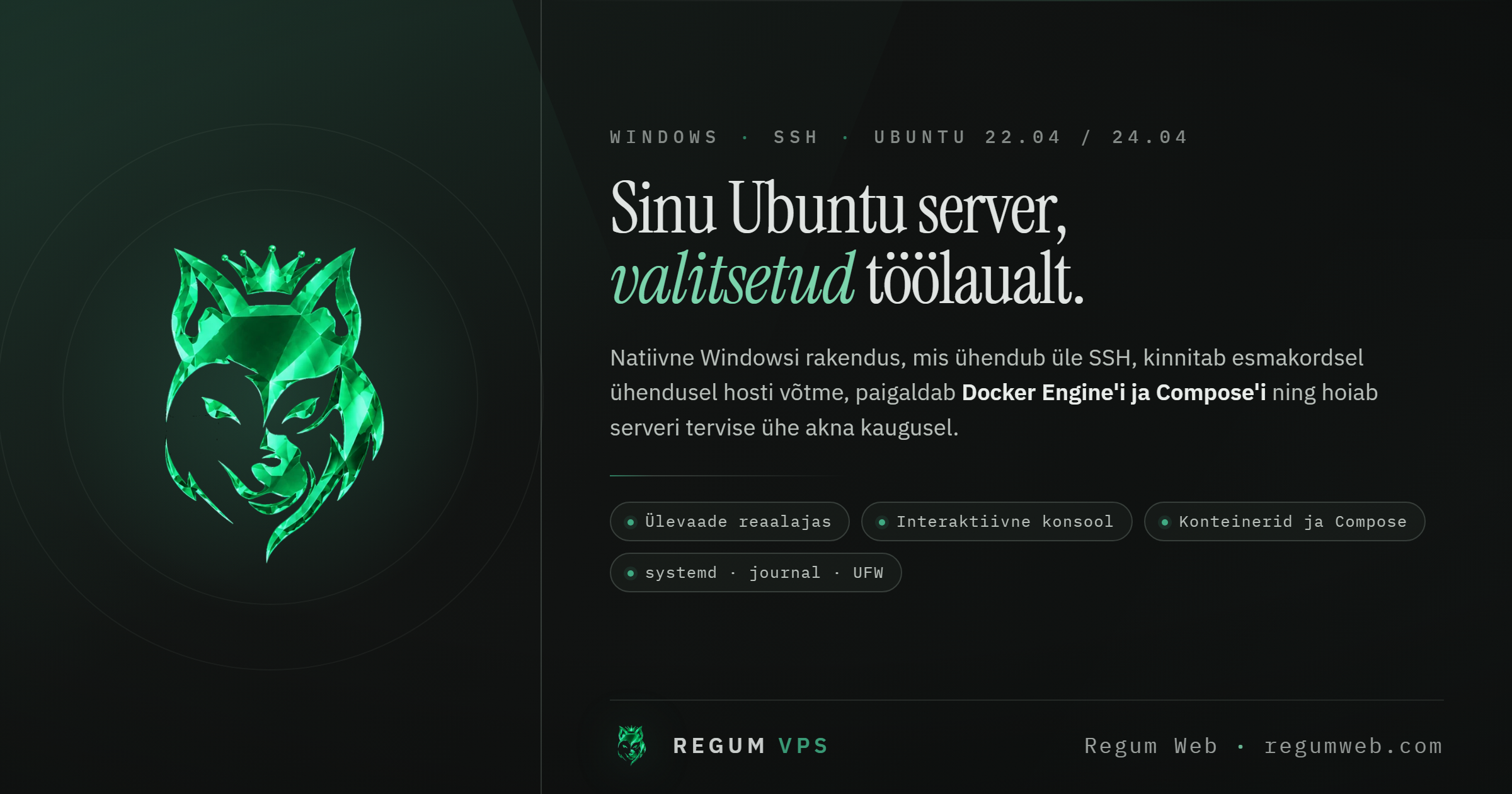
RegumVPS
Upcoming

RegumVPS

Your servers, clearly connected.

Bring server health, SSH, Docker and Compose into one clear workspace. Connect an AI assistant through MCP to use the same server-management tools with explicit access controls.

  • MCP connectivity for AI-assisted server workflows
  • Server health, SSH and Docker/Compose in one place
  • Connection profiles, host-key verification and operating-system credential storage
Platforms
Windows
Release date
TBA

Installer downloads will appear here when this product is released.

Regum Web Doctor
Upcoming

Regum Web Doctor

Understand your website. Know the next step.

A local-first Windows workstation for WordPress, WooCommerce and website diagnostics. Collect bounded observations, compare scan history and export structured reports. Optional RegumAI employee integration can request scans and read selected findings.

  • Website, WordPress and WooCommerce diagnostics with supporting observations
  • Optional authenticated WordPress REST and companion-plugin checks
  • Scan history, comparisons and JSON, HTML, PDF, CSV or Markdown reports
Platforms
Windows
Release date
TBA

Installer downloads will appear here when this product is released.